

University Housing & Residential Life
931-372-3414
M.S. Cooper Hall, Room 218
Monday - Friday, 8 am to 4:30 pm
Follow the steps below to fill out your online room inventory inspection to let us know of current room conditions.
1. Visit our online portal and select "Room Inventory Inspection" in the top navigation bar.
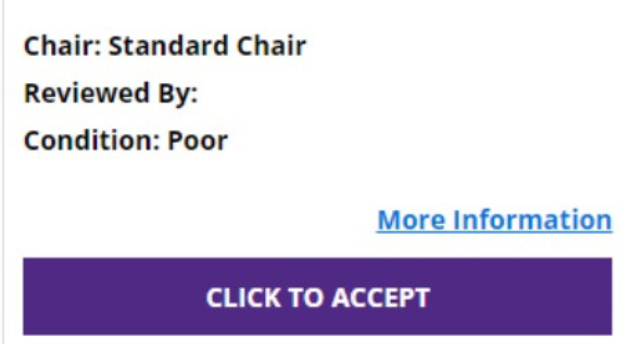
2. Follow the on-screen instructions to review and accept all room items (if inspection is accurate).
3. Select "Confirm Inspection"
4. Once submitted, you will receive an email as receipt. Your Hall Director will follow up with you if any items are unaccepted.